Less copy and paste, fewer mistakes, more hours back.
Most small businesses run on someone retyping the same details into three systems. We find where the time goes, connect the tools you already use, and write down how the rest should be done.
- 1Order copied into the stock system4 min
- 2Pick list and stock check3 min
- 3Courier booked, label printed3 min
- 4Dispatch email with tracking1.5 min
- 5Invoice into the accounts2 min
Staff hours a week on order admin45
An estimate: the minutes per step are our typical assumption for a small store, over five working days. We measure yours before quoting.
Who this is for
The tools differ between a shop and a trades business. The waste is the same: details typed in twice, and steps that live in one person's head.

E-commerce brands
Orders, stock and customer details moving between your store, marketplaces, warehouse and accounts.
- Orders sent to the warehouse or 3PL automatically
- Stock levels kept in step across channels
- Sales and payouts posted to your accounting software
- Alerts for low stock, failed orders and late deliveries
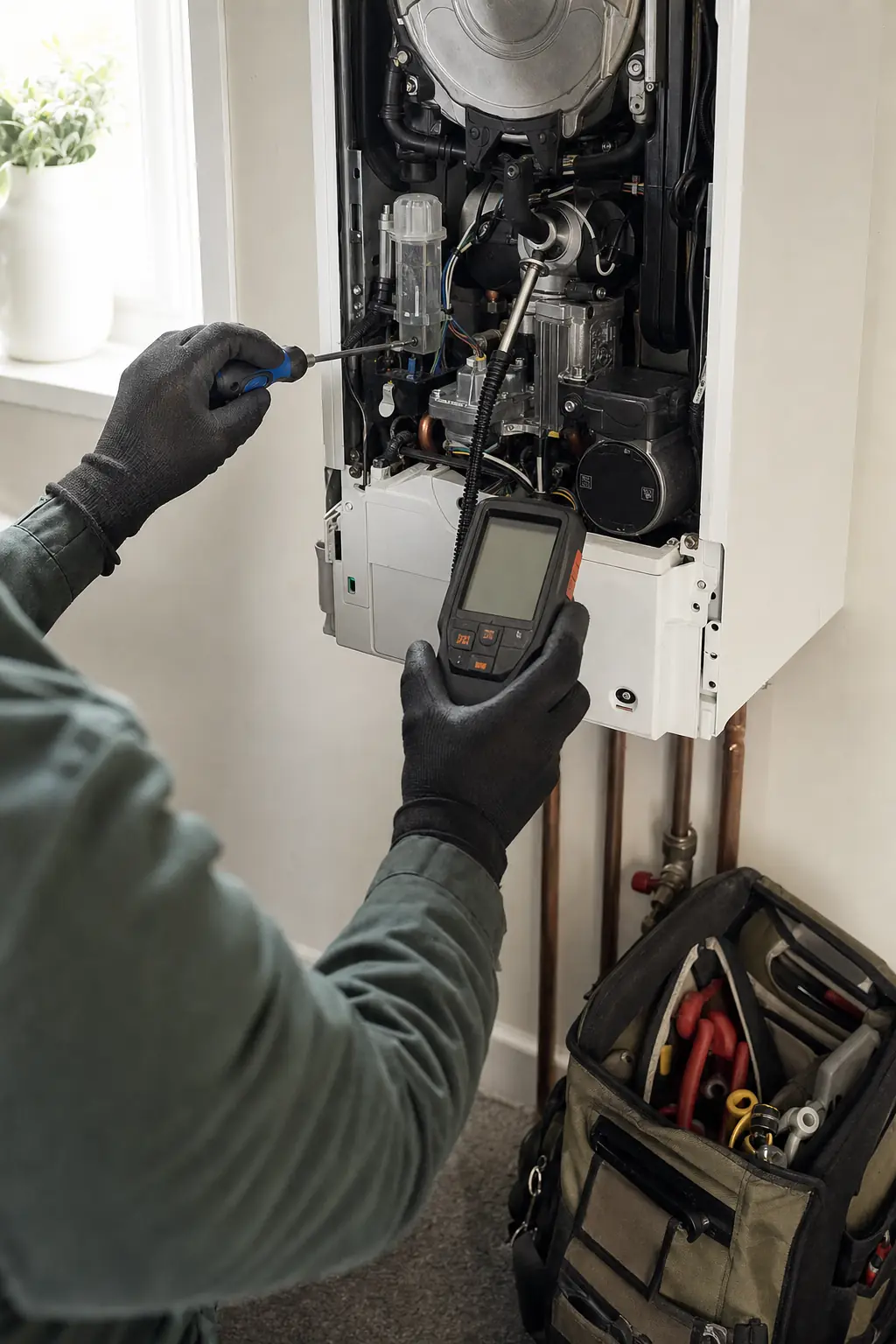
Local service businesses
Enquiries, quotes, bookings and invoices for trades, installers and clinics.
- Enquiries from web, phone and email in one list
- Quotes and booking confirmations sent from templates
- Job details passed to the engineer without retyping
- Invoices and review requests sent when the job is done
What we actually do
- Map before we automate
- We sit with the people doing the work and write down every step, including the workarounds. Automating a bad process only makes the mistakes faster.
- Remove steps first
- Some steps exist only because they always have. We cut those before building anything, because the cheapest automation is a step you no longer need.
- Connect what you already have
- Most of the tools you pay for can talk to each other. We use their built-in integrations, tools such as Zapier or Make, or a small piece of custom code when nothing else will do the job.
- Procedures people use
- Short written procedures with screenshots for the steps that stay manual, so a new starter or holiday cover can do the job without asking.
- Count the time saved
- We record how long each task takes before and after, and how often it goes wrong, so you see the change in hours and errors rather than take our word for it.
How an engagement runs
Map
One to two weeks. Interviews, screen recordings and a walk through each process, ending in a list of fixes ranked by hours saved.
Quick fixes
Settings changed, duplicate steps removed, templates written. These often save hours in the first fortnight.
Automate
Integrations and automations built one process at a time, tested on real orders or jobs, with a manual fallback until they prove reliable.
Hand over
Procedures, a list of every automation and what it does, and training for your team. You can run it without us.
What you get
- Process map with time and error counts
- Ranked list of fixes with estimated hours saved
- Integrations and automations, built and tested
- Written procedures for the steps that stay manual
- Automation register: what runs, when, and what to do when it fails
- Team training and onboarding material
- Before-and-after measurement of time and errors
Every automation and every line of custom code we set up lives in your own accounts, with documentation. Nothing stops working if we stop working together.
How the return works
Process work pays back in hours and errors. Both are easy to count, which is why we count them before we start and again when we finish.
Take an order that needs four minutes of copying between the store, the warehouse and the accounts. At 40 orders a day that is two hours and forty minutes, every working day. Automate it and those hours go back to the team.
Errors cost more than the time. If one order in fifty goes out wrong, 40 orders a day over 20 working days means about 16 mistakes a month. At £15 each in reshipping and refunds that is £240 a month, plus the customers who do not come back.
For a trades business, retyping each enquiry into a job sheet and then an invoice might take ten minutes a job. At 30 jobs a week that is five hours, and one missed detail can mean a wasted visit.
Worked examples with assumed figures, for illustration. The mapping stage gives us your real numbers, and we show you the expected saving before building anything.
Questions we get asked
Do we need new software?
Usually not. Most of the gain comes from using the tools you already pay for properly and connecting them. If something is genuinely not up to the job, we explain why and suggest alternatives.
What happens when an automation breaks?
Every automation we build is listed in a register with what it does and what to do if it fails, and the important ones send an alert when they stop. During the engagement we fix failures ourselves. Afterwards your team has what it needs, or we can stay on for support.
Will our team accept the changes?
They are involved from the start, because they know where the problems are. We change one process at a time, keep a manual fallback until the new way is proven, and train people before switching over.
Is this only for e-commerce?
No. Trades and service businesses have the same problem with enquiries, quotes, bookings and invoices. The tools differ; the method does not.
How long does it take?
Mapping takes one to two weeks and quick fixes land in the first month. Larger integrations take longer, and we estimate each one before starting so you can choose the order.
Find out where your week goes.
Tell us the task your team complains about most. We will reply with how we would remove it or cut it down.
Join the waitlist